Ways to Configure Accounts on YOKATV
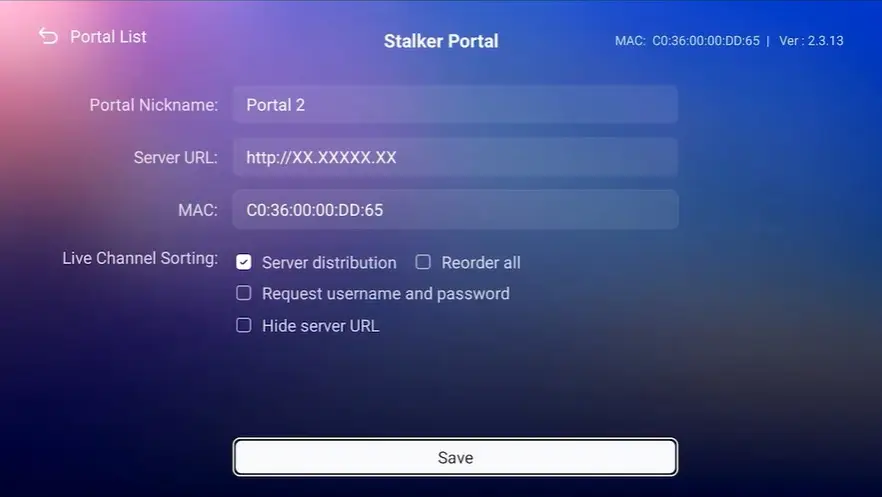
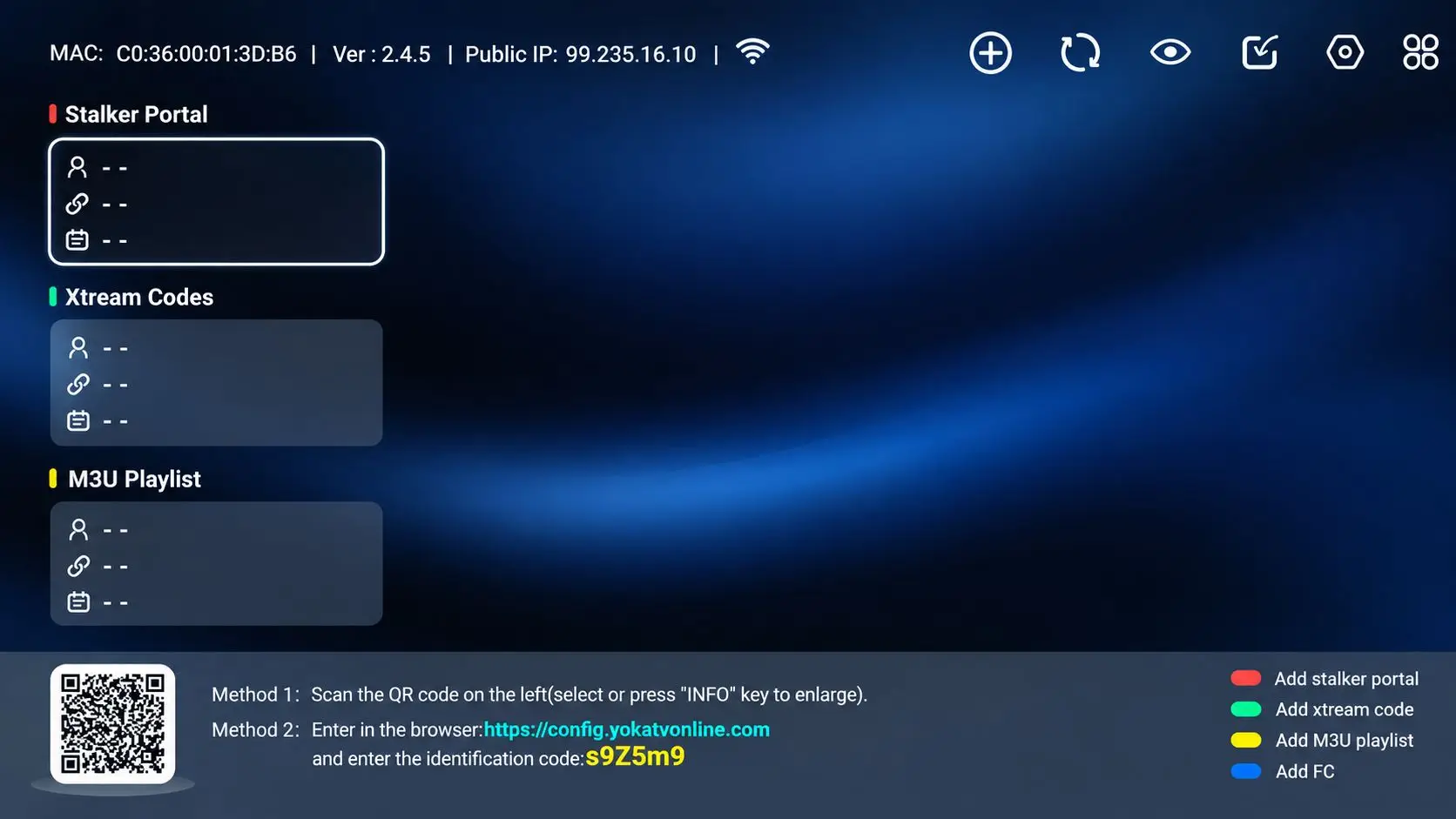
Set account through the remote controller on the TV box (Need to open the TV Box).
(Linux UI)
(Android UI)
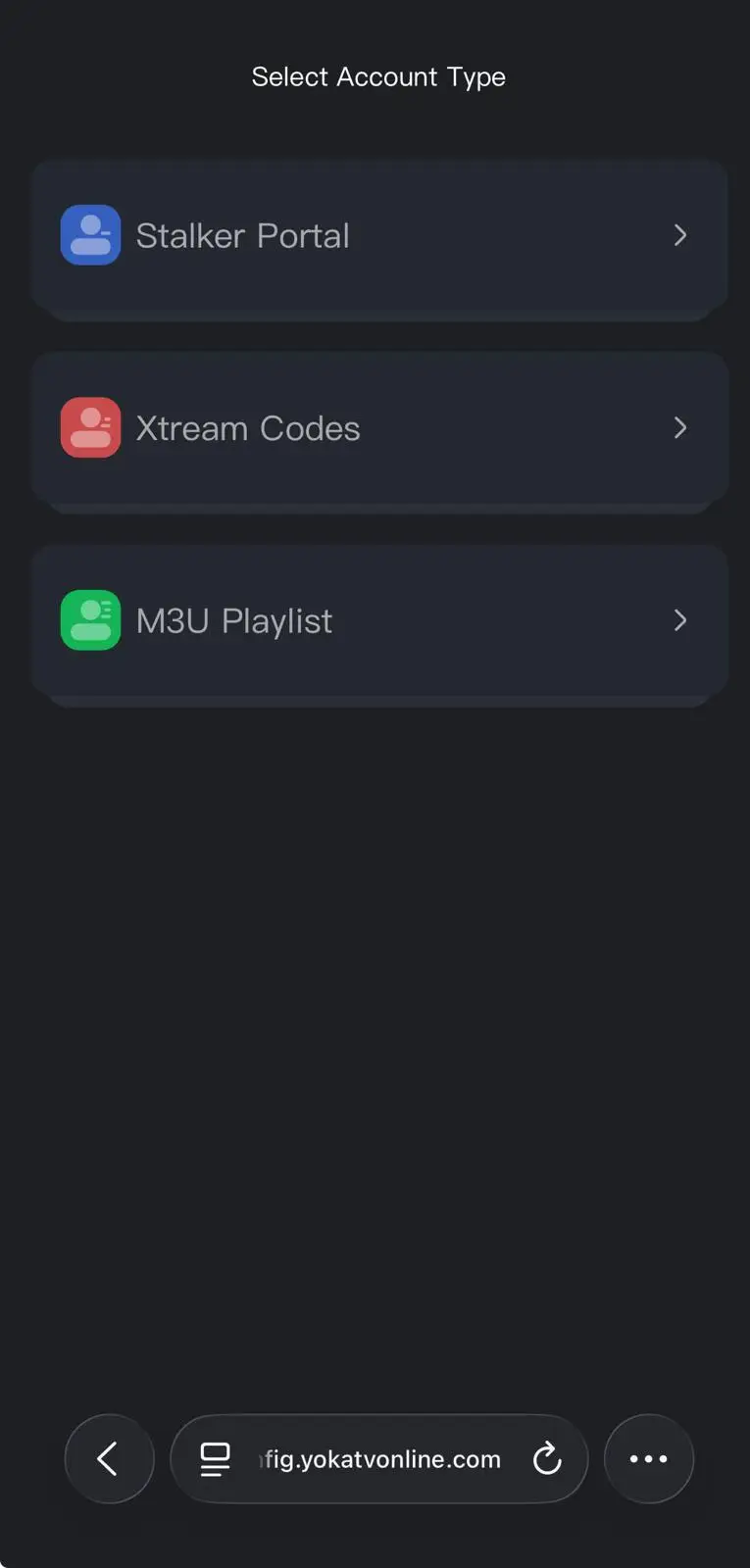
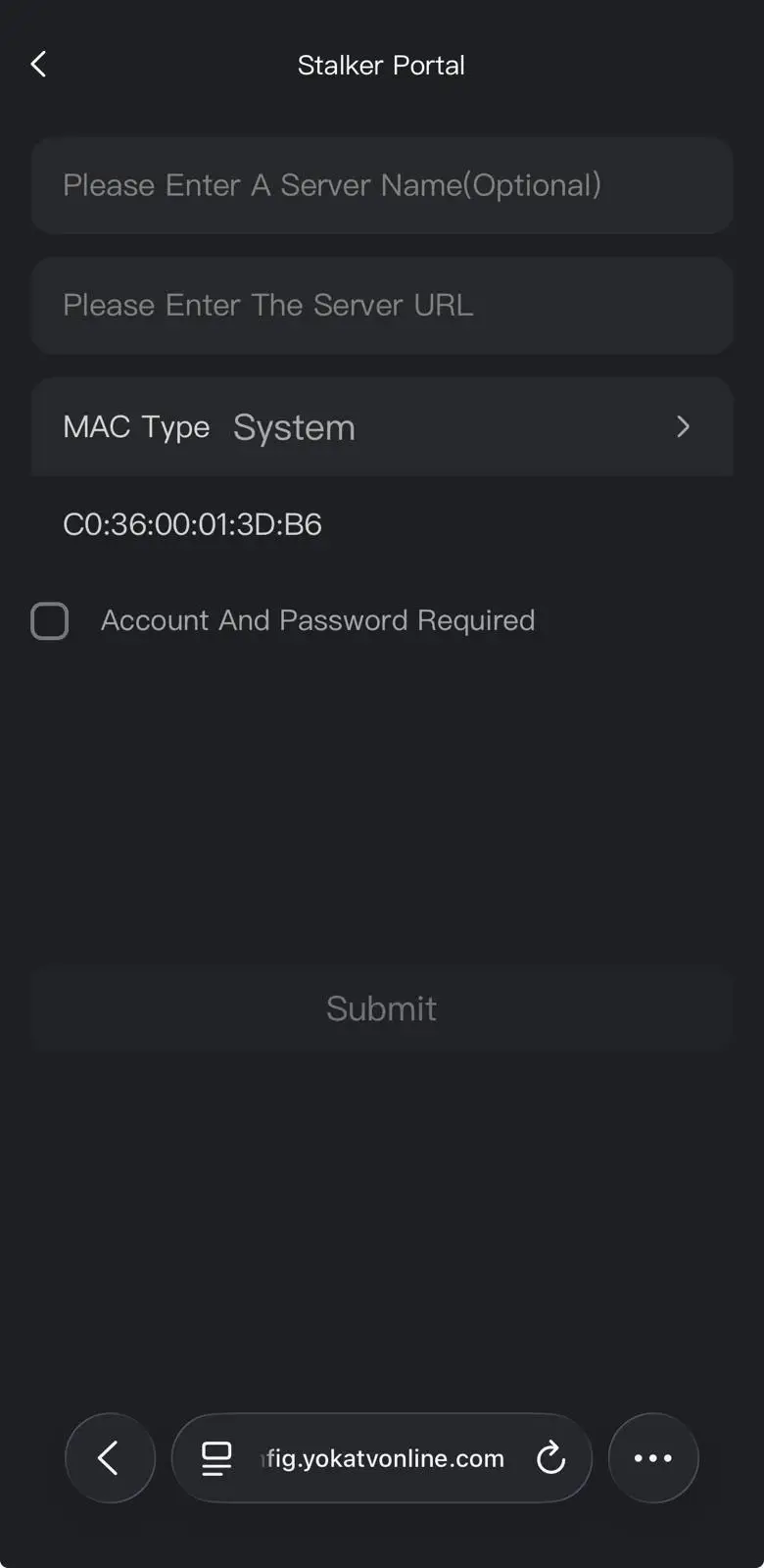
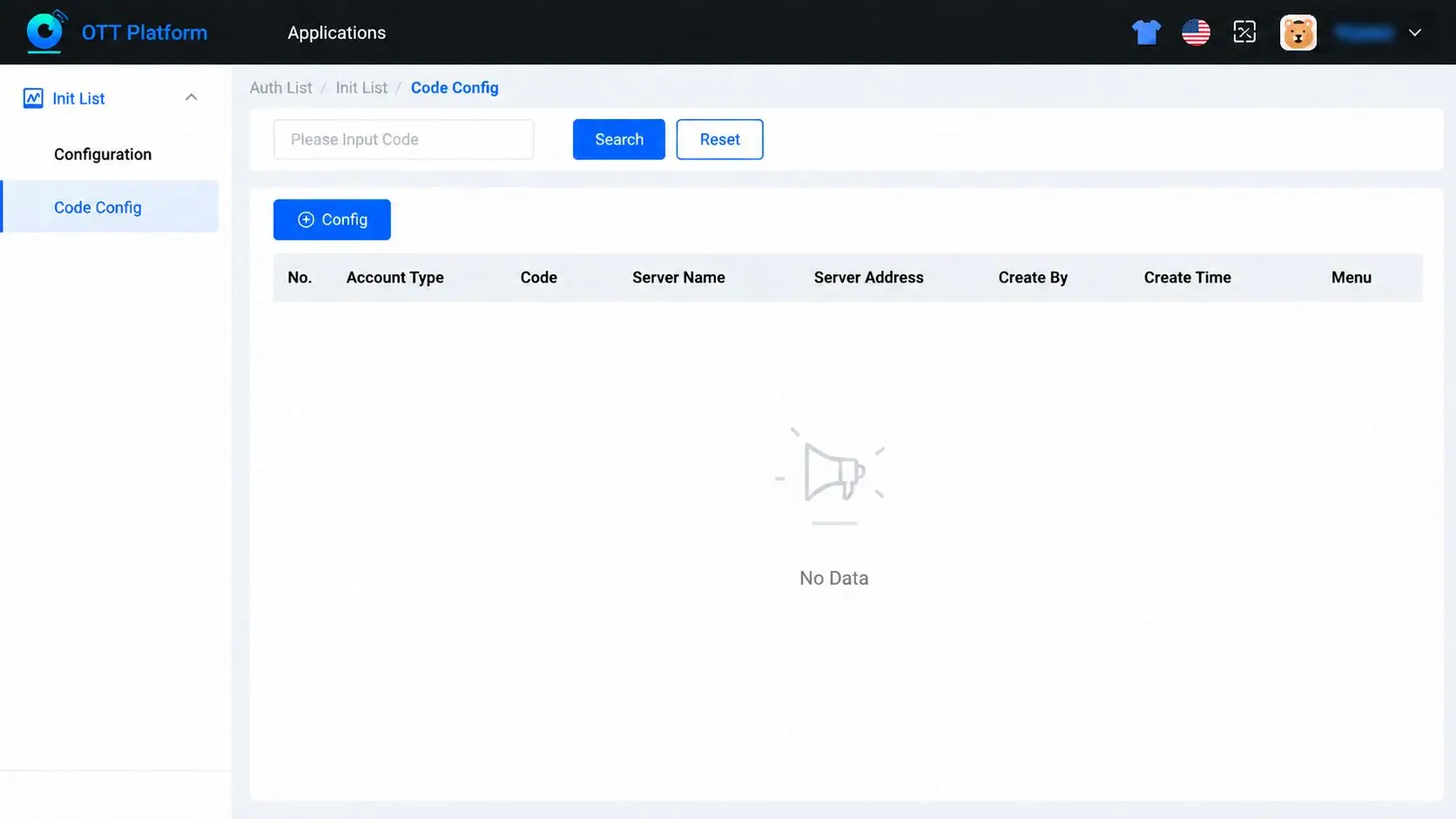
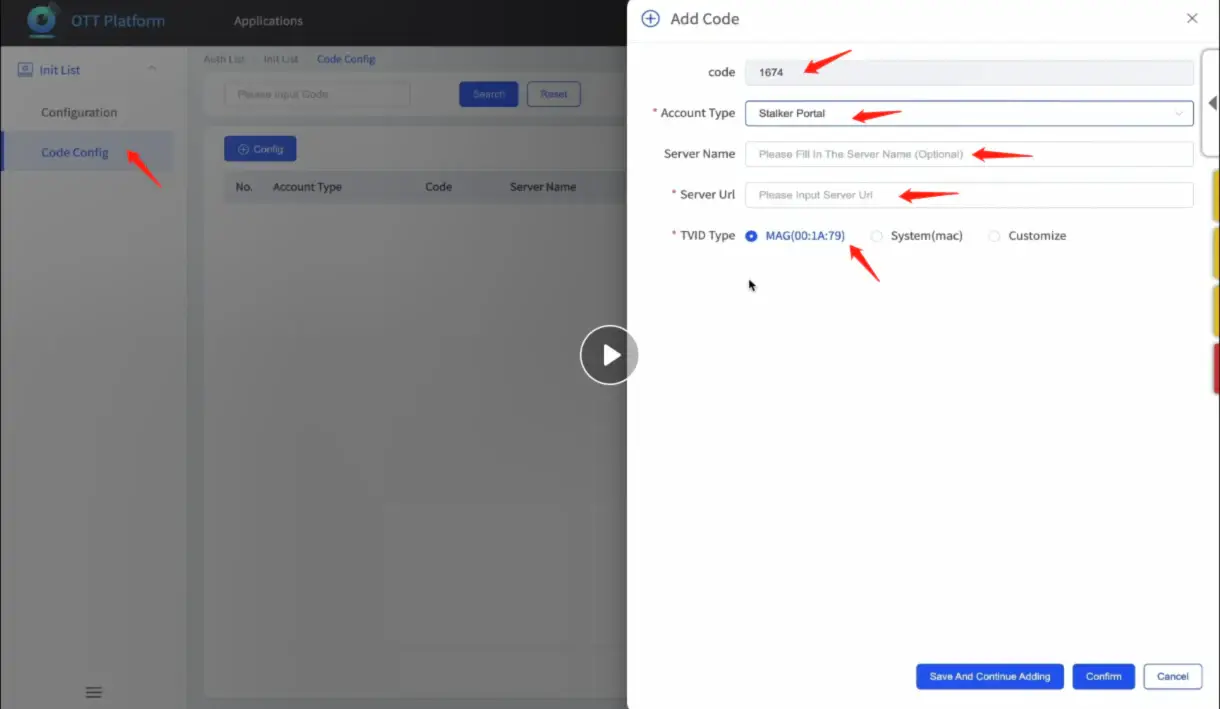
You will get a log in account and password of our background system website, enter then choose ‘code configure’, then set ‘4 number code’, then input the portal/server url/account/… and save to the specific device, when user connect the box with wifi, turn on YOKATVOnline, use remote to enter 4 number code then can finish the configuration and enter the sever directly. (pls follow the video instrution)
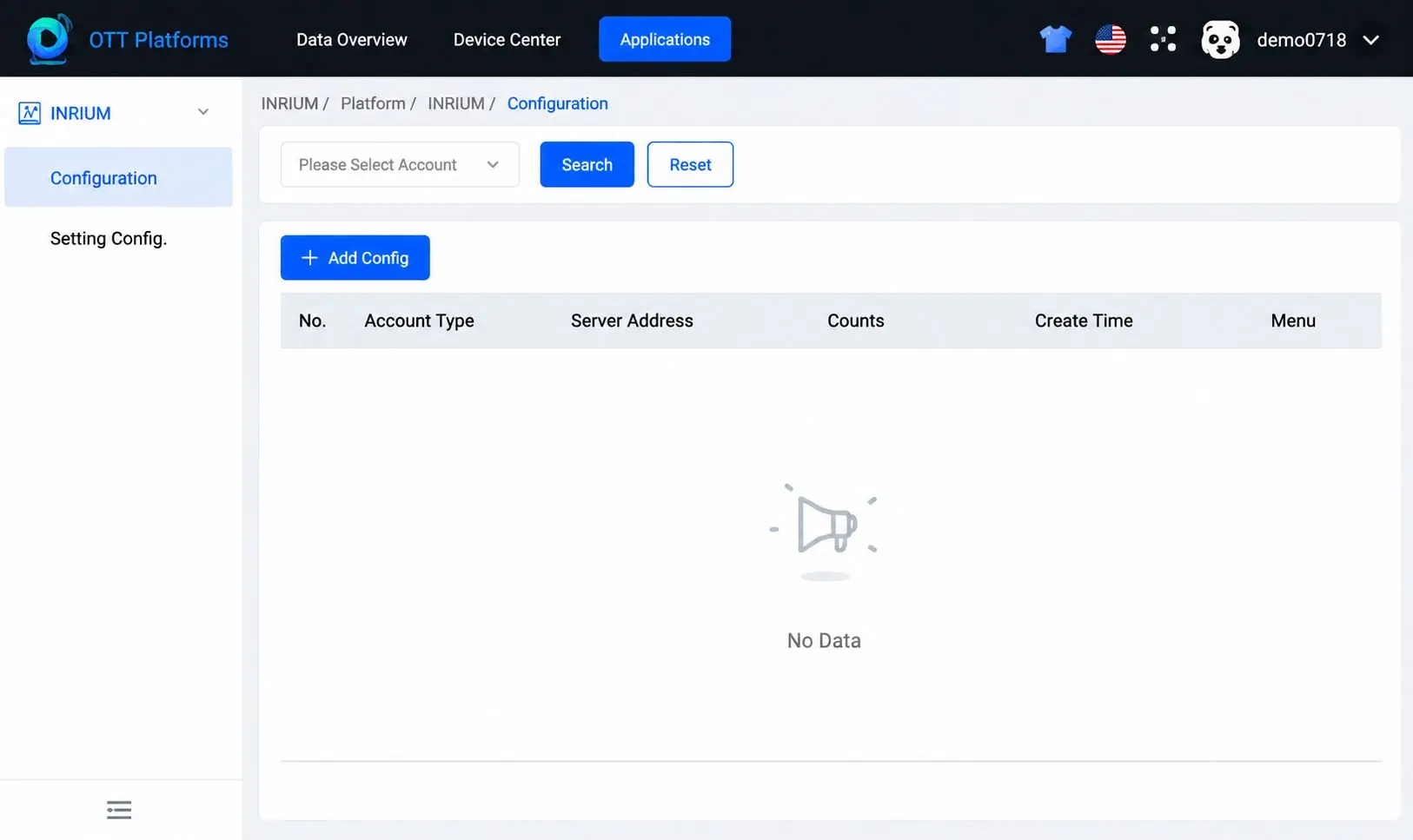
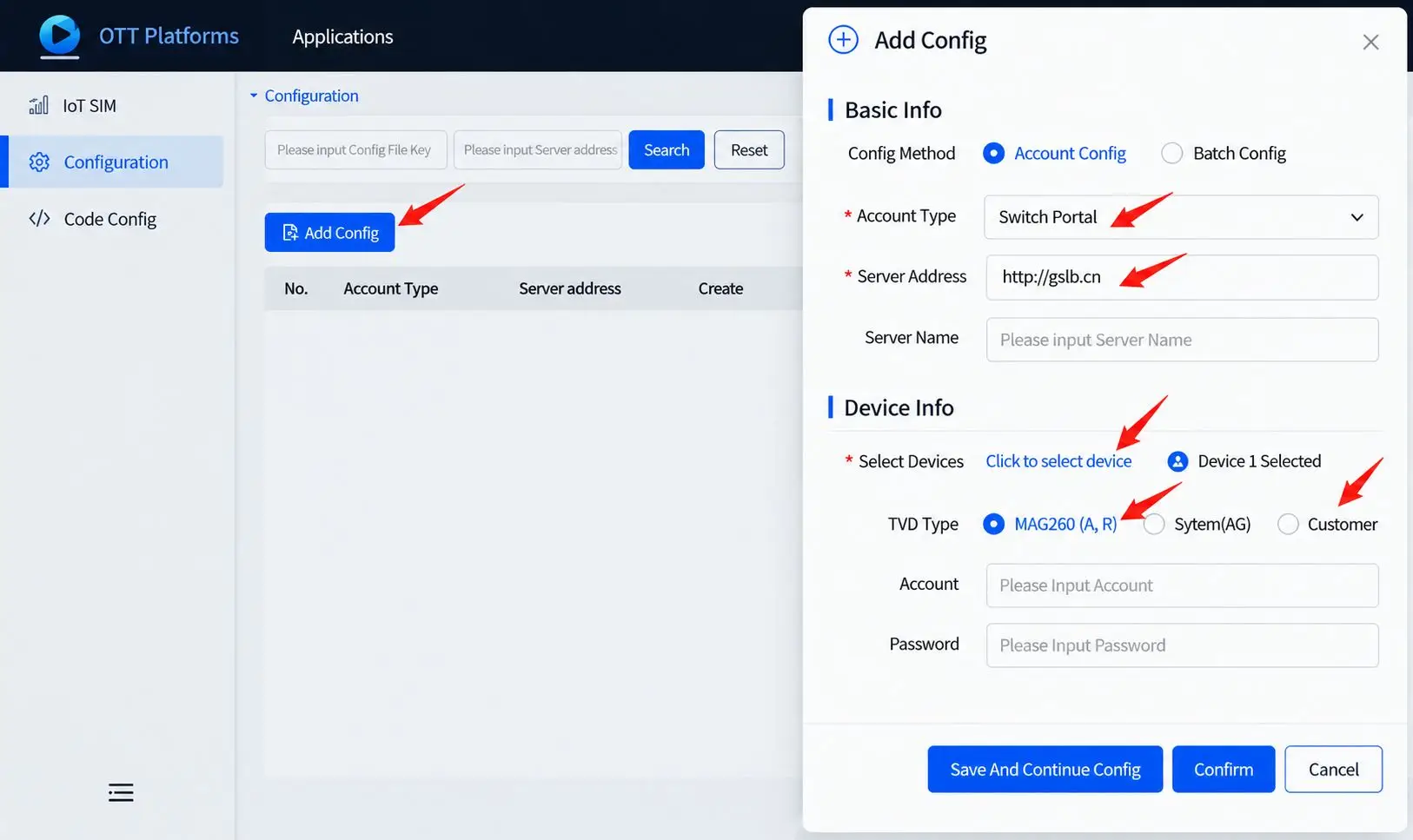
You will get a log in account and password of our background system website, enter then choose ‘configuration’, and input portal/server url/account/… and choose the specific device and save input. (If it’s the first time open YOKATV Online app, when connect the wifi, data will push directly; if it’s the second time enter this app, should clean cache of the app then enter again).